












































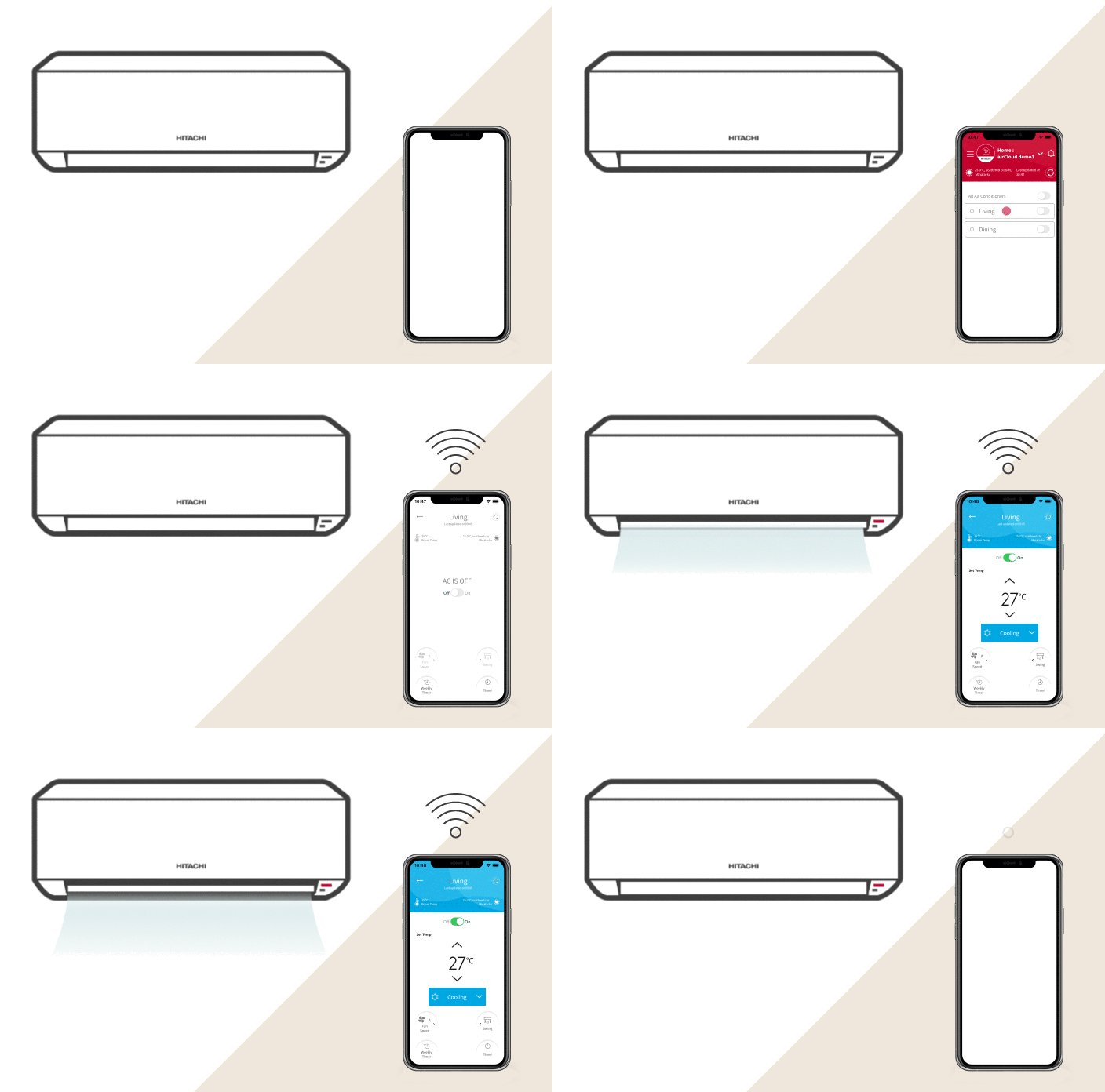
– airCloud Go ES
App de control remoto via WIFI
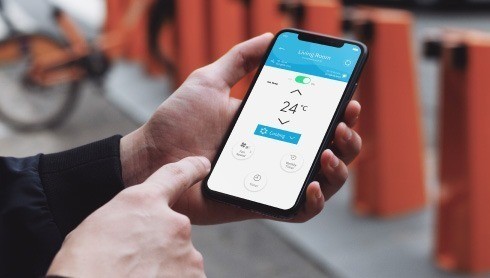
– ¡Sigue en movimiento!
AirCloud Go te permite controlar tu aire acondicionado en cualquier momento y en cualquier lugar. Donde quiera que estés, podrás monitorear de forma remota el aire acondicionado de tu hogar

– Interfaz intuitiva y fácil de usar
AirCloud Go incluye varias opciones para ajustar la climatización a tu gusto:
- Selección del modo de operación: refrigeración o calefacción
- Establece la temperatura, la velocidad del ventilador y la posición de las lamas
- Termostato programable con temporizador de encendido/apagado y programación semanal
- Atajo para encender/apagar todos los aires acondicionados conectados a la vez
● Arriving Home: Welcoming atmosphere - Your aircon will automatically turn on, helping to create a comfortable indoor climate before you open the front door.
● Leaving Home: Effortless energy savings – You won’t need to remember to turn off your AC! Your air conditioner will stop or switch to a more economic preset temperature for optimal energy efficiency"
– Notes:
¡Conecta tu aire acondicionado a la aplicación móvil AirCloud Go y controla tu aire acondicionado cualquier lugar! Obtén el máximo confort a la vez que ahorras energía.


