












































– Calibration of temperature
Calibration of the temperature is a setting for HVAC professionals enabling to systematically add or reduce the user’s setpoint by a few degrees to compensate heat source bias.
Here’s what you need to know:
How your air conditioner reads the room temperature – by indoor unit or remote controller’s thermistor – but it’s not always sufficient
As a basic rule of comfort, all air conditioners aim at making the room reach your desired setpoint as precisely and continuously as possible.
To determine how much cooling/heating is missing to reach desired temperature levels, the air conditioner constantly checks the current indoor temperature. Usually, the air conditioner uses a small sensor – called thermistor- placed on the indoor unit.
Alternatively, it can be possible to use temperature sensors embedded in the remote controls, when available, to read the room’s temperature.
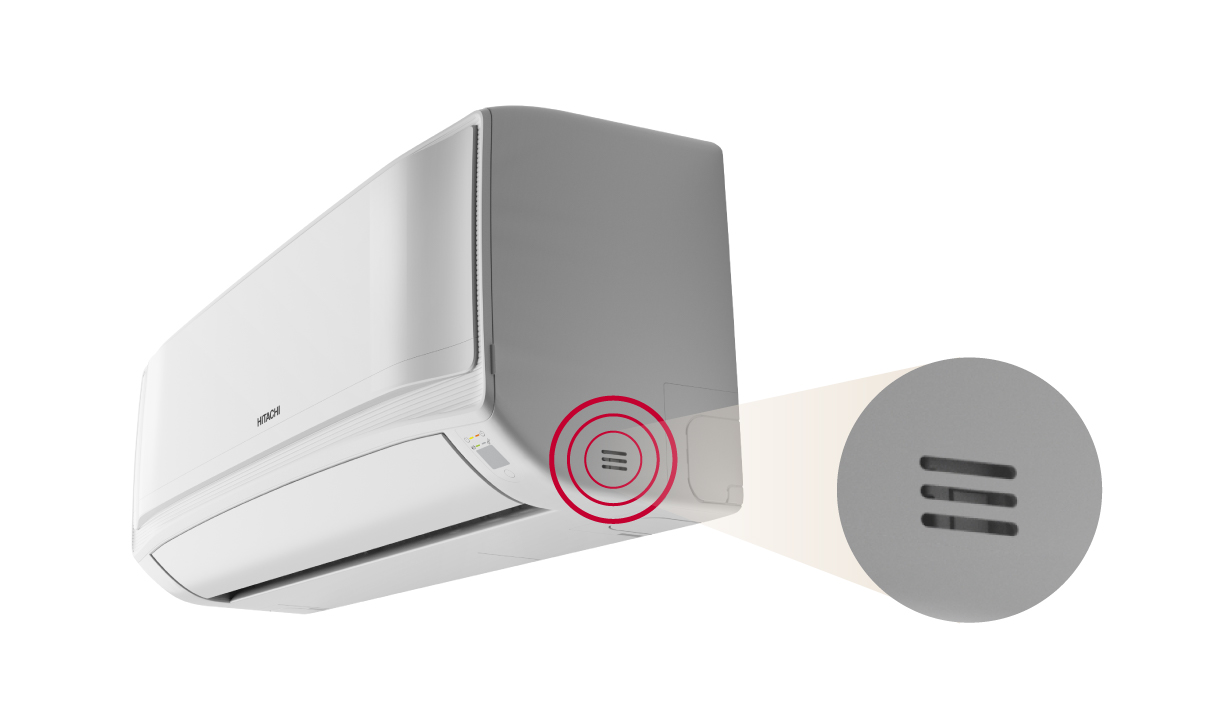
By default, the air conditioner reads the room temperature from the thermistor placed on the indoor unit.
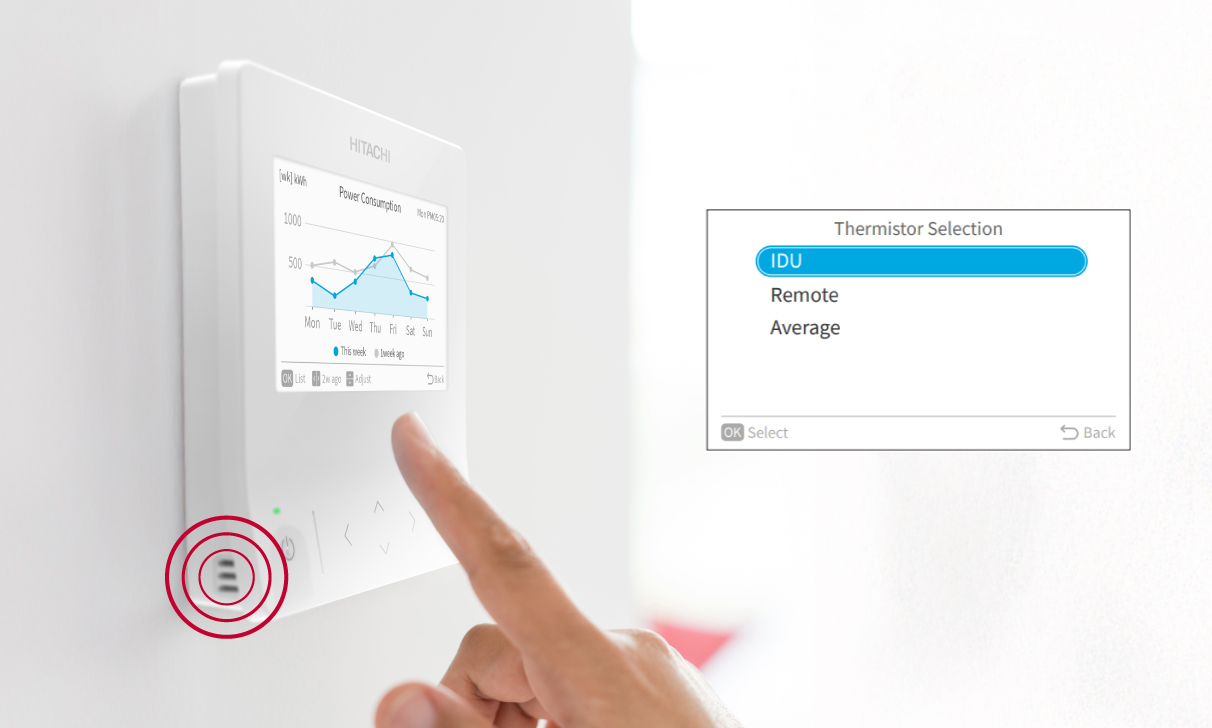
Some Hitachi wired controllers embed a thermistor which can be used for the reference room temperature reading.
However, in some cases, those sensors are placed too far away from occupants to read the actual temperature surrounding them. Large gaps may happen when the temperature is particularly uneven within the room, due to the presence of a heat source near occupants: South-facing window, heat-emitting equipment…
How calibrating the temperature enables to compensate heat source bias
When a significant temperature difference is noted between occupants’ area and the air conditioner’s thermistor, the service provider can add/remove a few degrees artificially to the set temperature. In other terms, the air conditioner will systematically add or reduce a few degrees extra to the user’s setpoint.
Example of calibration: If the room occupants are usually staying near a heat source, -2˚C/-˚4F can be calibrated for cooling operation.
This way, if user setpoint is 25˚C/77˚F, the air conditioner will ‘secretly’ target 23˚C/73˚F.
Most Hitachi controllers and thermostats for airHome residential range, airCore light commercial range and air365 VRF enable the HVAC professionals to set a calibration of the setpoint, for cooling and/or heating mode individually.
HVAC professionals can refer to the service manual of the Hitachi air conditioning products. Once the calibration is set, it will be saved into your air conditioner. If the calibration needs readjustment or erasing, it can be done in the same controller’s menu.


